Chrome extension · Free
Generate Shopify font code without leaving your tab
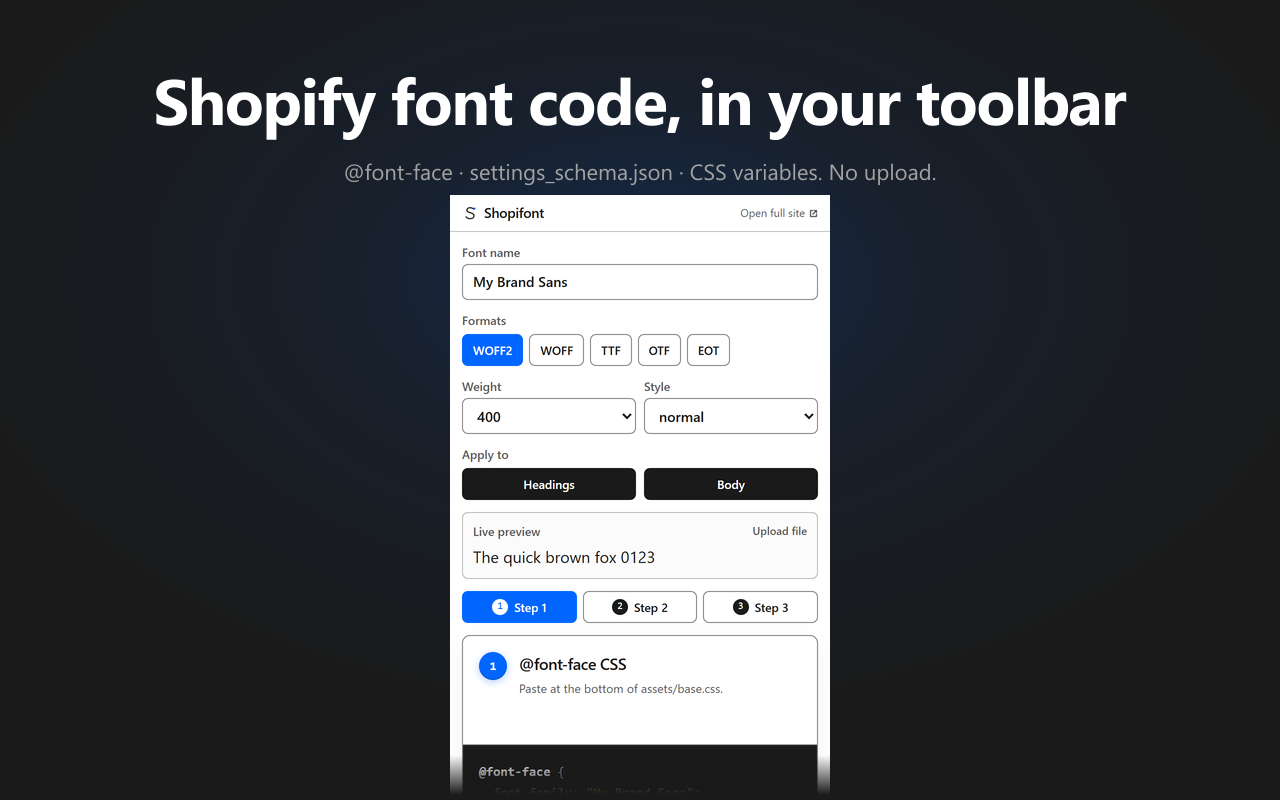
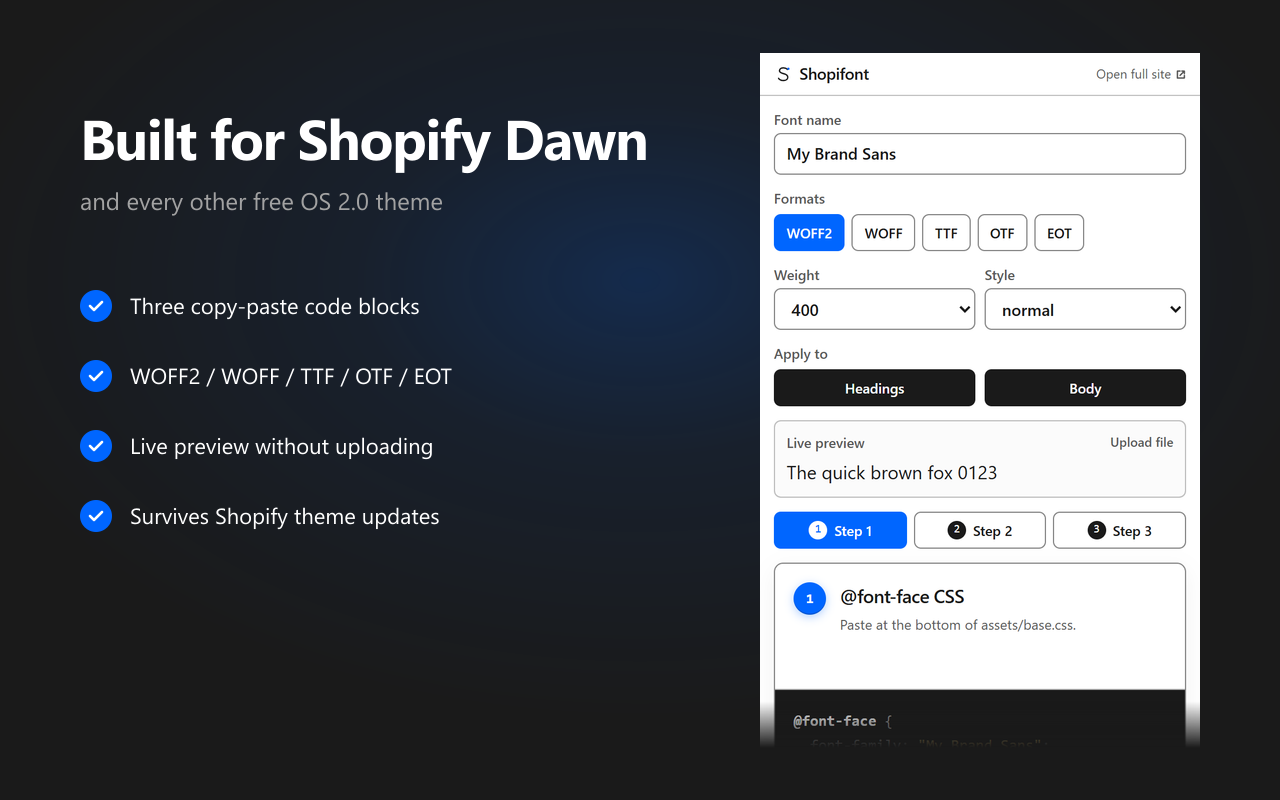
The Shopifont extension puts the same generator that runs on this site into a browser popup. Type the font name, tick the formats, copy the three blocks Shopify expects — all from the toolbar, without opening a new tab or losing your place in the theme editor.
Screenshots
Why install it
The web version of Shopifont works fine — pasting a font name into a tab and copying three code blocks is a 30-second job. The extension exists for the case where you're already deep inside the Shopify admin or the theme code editor, you need to install another font, and tab-switching breaks your flow. It puts the generator one click away in the browser chrome.
Same generator, popup-sized
The extension reuses the website's generator code one-to-one — same
@font-face,settings_schema.json, and CSS variable output the website ships. Nothing diverges between web and extension.All formats, all 13 OS 2.0 themes
WOFF2, WOFF, TTF, OTF, EOT — tick what your foundry sent you and the generator writes the cross-format
srcstack. The output works on all 13 free Shopify OS 2.0 themes: Dawn, Sense, Refresh, Crave, Origin, Studio, Taste, Spotlight, Colorblock, Craft, Ride, Publisher, and Trade.Three copy-ready blocks
The popup outputs the
@font-facedeclaration with the Liquidasset_urlfilter, asettings_schema.jsonsnippet, and CSS variable overrides — each with a copy button.Zero telemetry
No analytics, no tracking, no remote config. The extension only requests storage permission to remember your last-used settings between popup opens. Nothing leaves the browser.
Privacy
The extension does not load any analytics, telemetry, or remote scripts. It does not read or modify the contents of any web page — there is no content script. The popup is a self-contained tool that runs the generator locally and writes its output to your clipboard when you click a copy button. The font name and format toggles you set are kept in the extension's own local storage so the popup remembers your preferences; that storage stays on your device and is never synced or transmitted.
The single outbound link in the popup — “Open full site” — opens shopifont.app in a new tab with a UTM parameter so the website can count how many extension users visit, which is the only signal we use to decide whether the extension is worth maintaining. No identifiers, no fingerprints — just an aggregate referral count.
When to use the extension vs. the website
Use the extension when you're inside the Shopify admin or your theme's code editor and you just need the three code blocks — the popup keeps you in context. Use the website when you want the longer-form material: the per-theme generators for all 13 free OS 2.0 themes (including the Dawn generator), the live font preview that lets you drop a file and see it render before you paste anything into production, and the background on how the tool is built. Most workflows end up using both — the extension for the daily paste-and-go, the site for the first install on a new theme.
Install the Shopifont extension
Free, no account required. Available now on the Chrome Web Store — also works on Edge and any Chromium-based browser that supports Chrome Web Store extensions.
Add to Chrome